Every tool your iPhone data needs.
Browse, back up, compare and export in standard formats — entirely on your Mac.
A. Device Dashboard
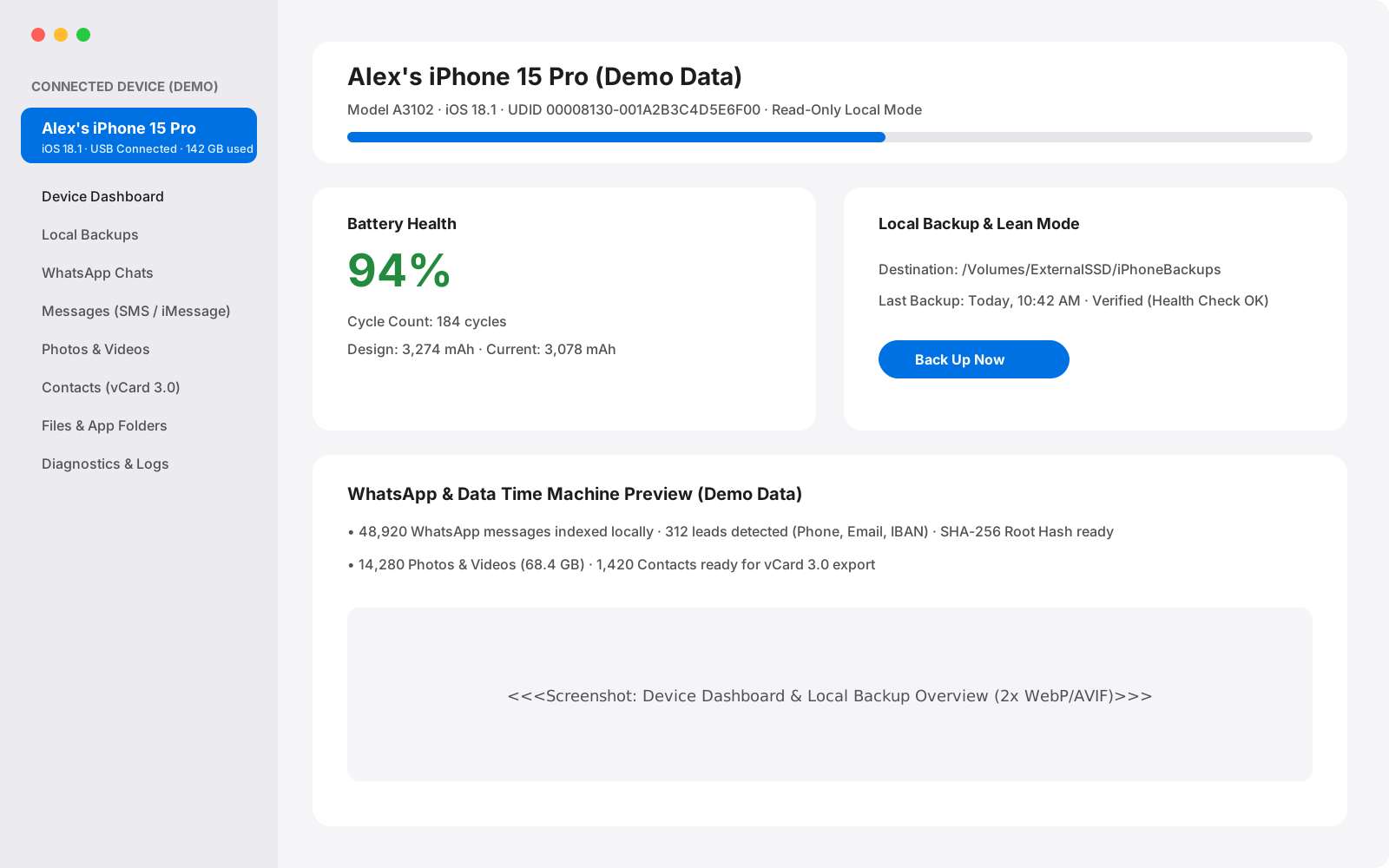
Your iPhone status at a glance.
See hardware details, storage breakdown and battery health as soon as you connect.
- Model, iOS version, serial/UDID, storage used and free at a glance.
- Real battery health: cycle count, design vs. current capacity, health %.
- Clear USB or Wi-Fi status; restart, shut down or sleep from Mac (protected during backups).
- Installed apps inventory plus home and lock screen wallpaper preview.
B. Backups That Just Work
Local backups you can verify and compare.
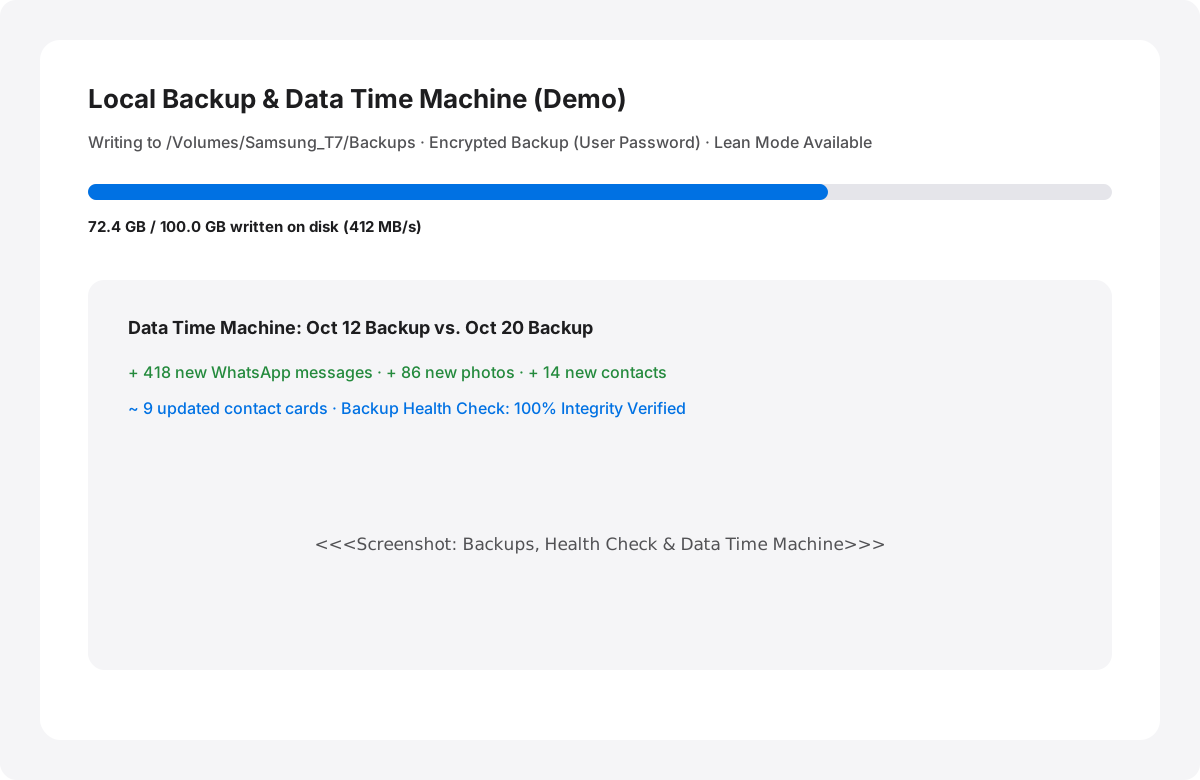
Store full or lean backups on your Mac or an external drive, audit their integrity and track changes across time.
- Full local backup to Mac or external drive with real progress measured on disk.
- Encrypted backup support using your own backup password (never an Apple ID password).
- Lean mode keeps only essential databases (WhatsApp, Contacts) to save disk space.
- Backup Health Check runs an integrity audit with an exportable report.
- Data Time Machine compares two backups to show what was added, changed or deleted.
C. WhatsApp
Chats, leads and verifiable transcripts.
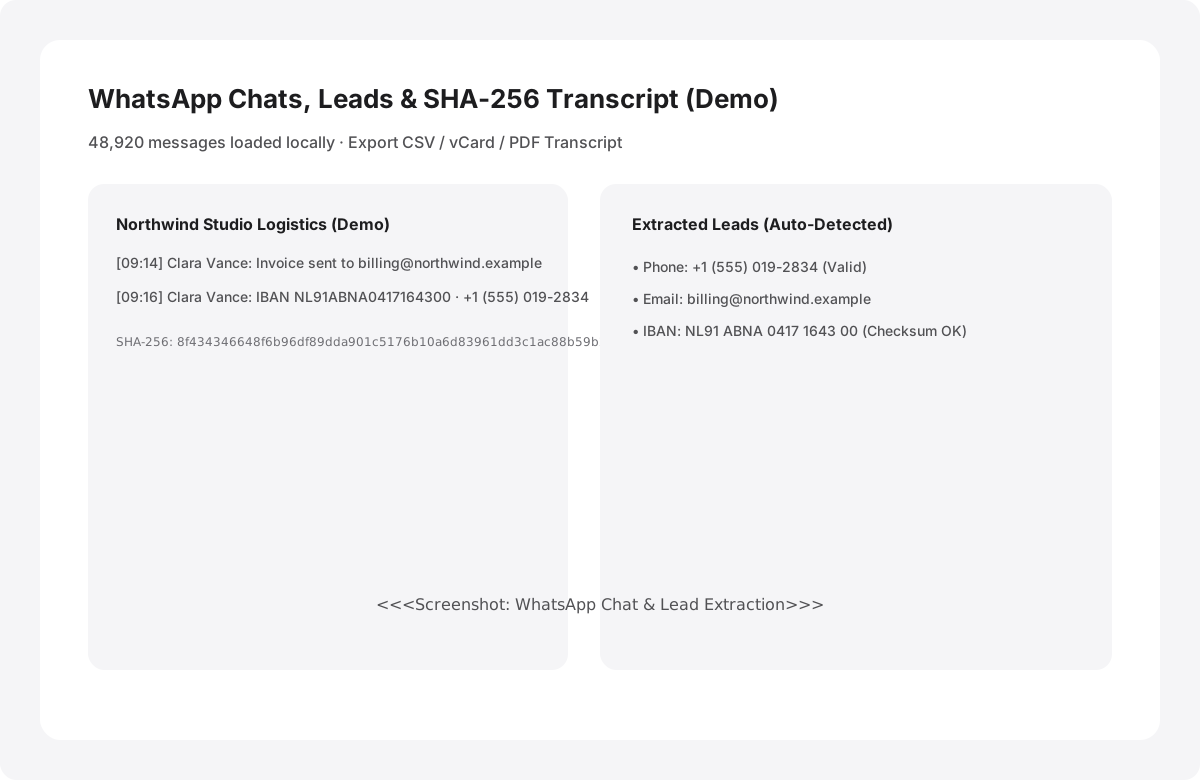
Browse large WhatsApp databases smoothly, extract business leads or generate SHA-256 hashed PDF transcripts.
- Read every chat from a backup, smooth even with tens of thousands of messages.
- Automatically finds phone numbers, emails, addresses and valid IBANs in chats.
- Export chats to CSV, contacts to vCard and extracted leads to CSV.
- Tamper-evident transcript: every message hashed (SHA-256) with a root hash, printable as PDF.
D. Messages (SMS / iMessage)
Conversations and attachments, organized.
Review your SMS and iMessage history alongside every media attachment from your backup.
- Browse SMS and iMessage conversations from your local backup.
- Inspect dedicated attachment lists for photos, videos and documents in threads.
- Fast search and filtering by contact or date.
E. Photos & Videos
Fast browsing for massive libraries.
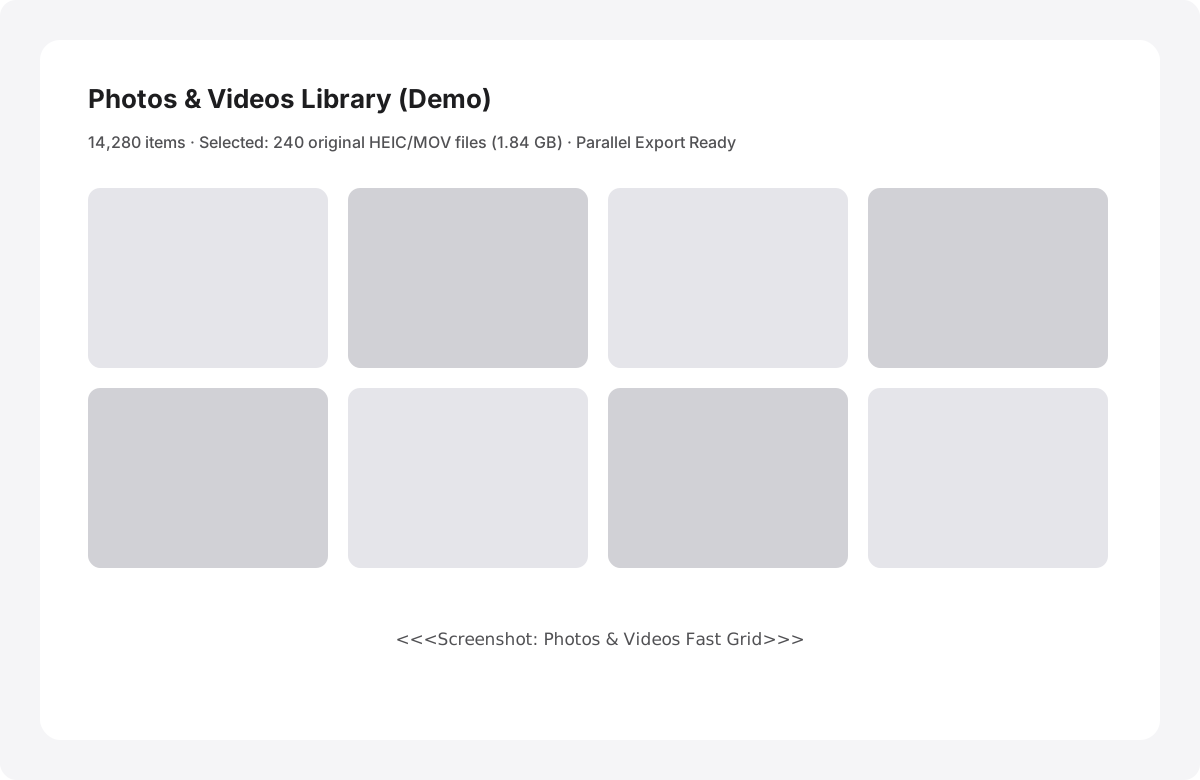
Open your camera roll from a backup or straight from a connected iPhone and export original files.
- Browse from a backup or straight from the connected iPhone.
- High-speed grid engineered for huge photo and video libraries.
- Preview the exact file count and total size before exporting.
- Parallel transfers for speed, with the ability to cancel anytime.
F. Contacts
Filter and export to standard vCard.
Keep a clean, portable copy of your address book in standard vCard 3.0 format.
- Browse all contacts stored in your backup.
- Filter quickly by contacts with phone numbers, with email addresses or by company.
- Export selected or all contacts to standard vCard 3.0 (.vcf).
G. Files
Direct access to app folders and backup files.
Navigate accessible folders on your iPhone or inside local backups and extract files in batches.
- Browse accessible iPhone app folders and raw backup file trees.
- Select multiple folders or files and extract them at once.
- Preserves original file names and folder structures on export.
H. Diagnostics (For Pros)
Deep hardware and system inspection.
Built for technicians, developers and advanced users who need low-level diagnostic visibility.
- Browse and export device crash reports.
- Stream the live iOS system log directly on your Mac.
- Run network capture sessions with explicit user consent.
See what is on your iPhone today.
Free to download. Browse your data and run full backups before paying a cent.